Rust and GPUI · Apache 2.0

A lightweight cross platform SQL editor

Blanco runs on Linux, macOS and Windows. Run the statement under the cursor, edit results in place, and write scripts in JavaScript.
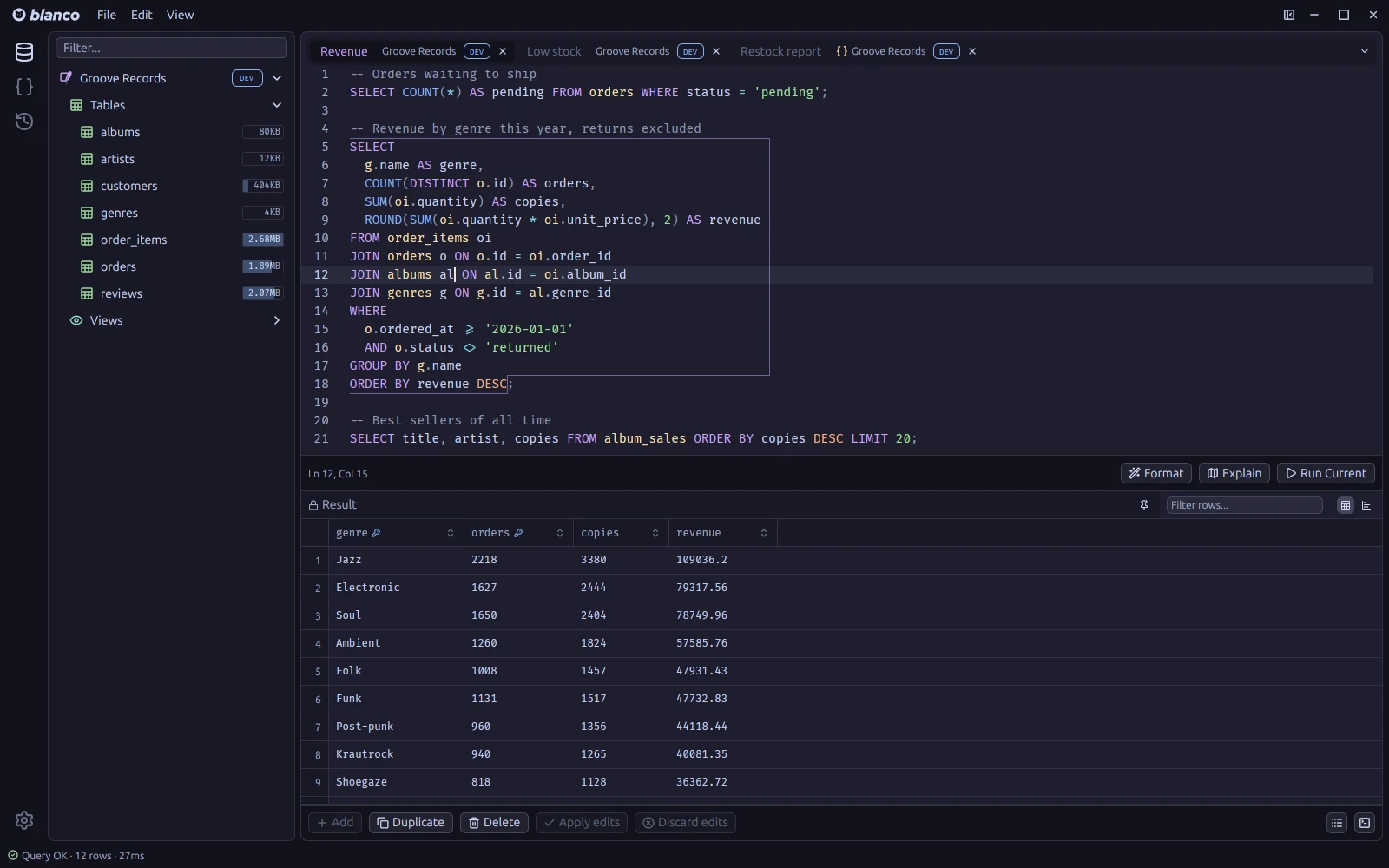
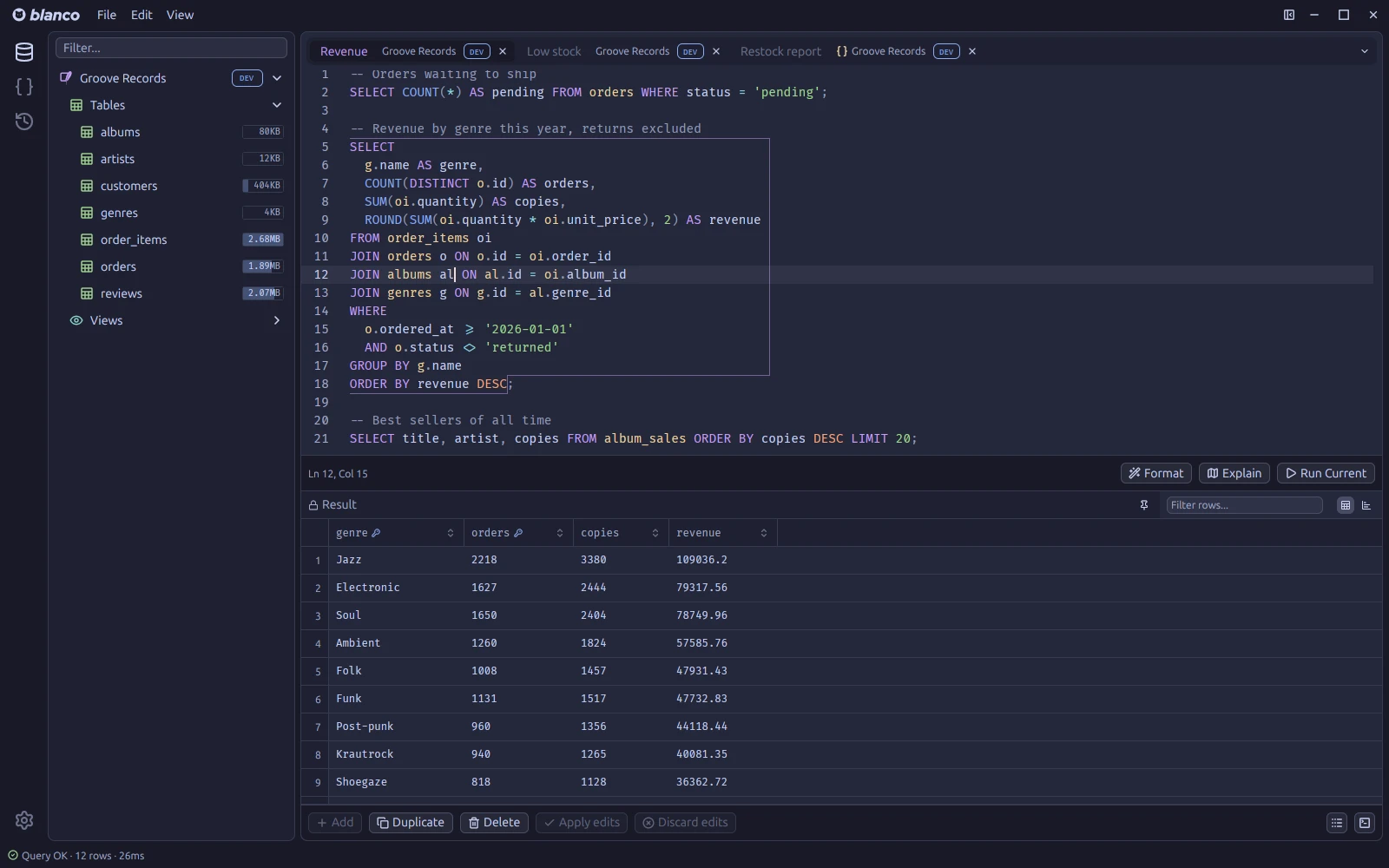
Blanco with the caret inside one of three SQL statements, that statement framed and its results below, and the sidebar listing tables with their sizes
The statement under the cursor is outlined, and that is what Run executes. The sidebar shows the size of each table.

Tab based editing

Each tab has its own connection, results and terminal.

Inline editing

Results from a single table with a primary key can be edited in place. Press Enter to edit a cell and Tab to move to the next one.

Changed cells are highlighted until you apply them. All changes are committed in one transaction.

A results grid with two edited cells highlighted and a third open for editing

Scripting

Script tabs run JavaScript against the tab's connection with db.query, db.execute and db.transaction. Use db.display to show an array of objects in the results grid.

Scripts run in a sandboxed QuickJS runtime on a separate thread.

A script tab that computes a restock report, with its log and the resulting grid

Terminal

Press Ctrl ` to open a terminal below the editor. Each tab has its own shell.

Start claude or opencode in it. The shell opens in a workspace where Blanco's MCP server is already configured, so the agent can read and edit the tab it was started from.

A query tab with a terminal docked under the results, running Claude Code

Snippets

Save queries and scripts you use often as snippets, organized in folders.

Double click a snippet to open it, or copy it from the context menu.

The snippets sidebar with two folders, and a snippet open in the editor

Features

Editor
Schema aware completion, formatting and linting for SQL, plus command completion and highlighting for Redis.
Running
Run the statement under the cursor or the selection. Bind parameters are prompted for, and every run is saved to the history.
Results
Filter rows, copy or export as CSV, TSV, JSON, SQL or Markdown, show results as a chart, and look up foreign keys.
Explain
EXPLAIN output for PostgreSQL, MySQL and SQLite shown as a plan tree, with time bars for the slow nodes.
Schema
Schema tree with filter and table sizes, table structure, object DDL and an ER diagram. Rename, truncate and drop from the tree.
Import
Import CSV and JSON (array or NDJSON) with column mapping and conflict handling, in one transaction.
Safety
Read only connections, and a confirmation before writes to connections tagged PROD.
Connections
SSH tunnels with known_hosts verification and TLS. Passwords are stored in the OS keychain.

Themes

Comes with Catppuccin Latte, Frappé, Macchiato and Mocha, and One Dark.
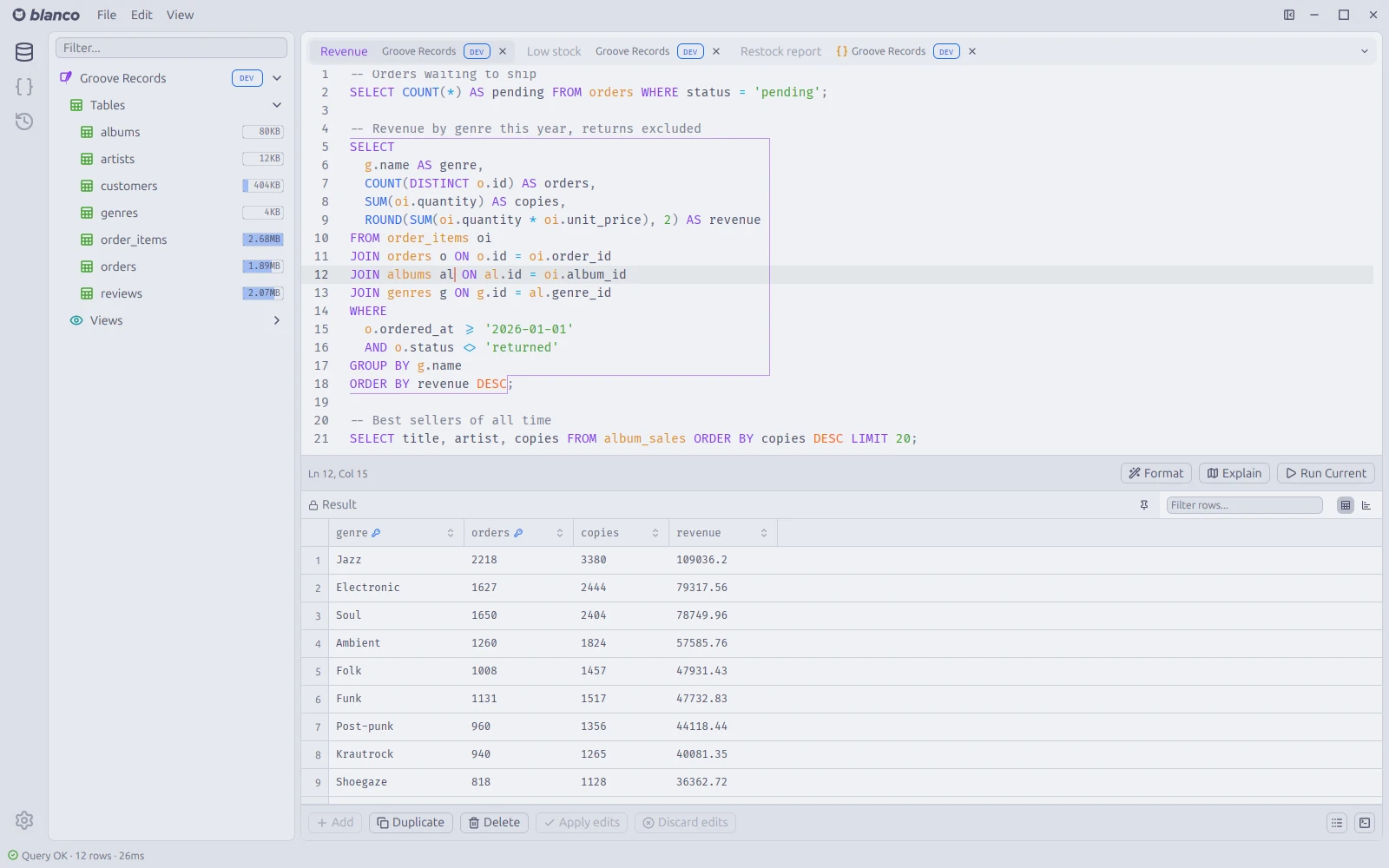
Blanco in Catppuccin Latte
Latte
Blanco in Catppuccin Macchiato
Macchiato
Blanco in Catppuccin Mocha
Mocha

Download Blanco 0.1.2

Your system

macOS Apple silicon

The app isn't notarized yet. Clear the quarantine flag after unpacking:

xattr -r -d com.apple.quarantine Blanco.app
Your system

Windows x86_64

A single executable, no installer.

Your system

Linux x86_64

sudo apt install ./blanco_0.1.2_amd64.deb

What's new in 0.1.2

Released 8 October 2026

Full changelog · All releases

Features
  • Editor font size setting for the query, script and snippet editors, with shortcuts to increase, decrease and reset it (rebindable, also in the View menu)
  • Connection option to show only the configured database in the sidebar and the command palette (PostgreSQL and SQL Server)
  • Text in the SQL view and the script log can be selected with the mouse and copied
Fixes
  • Completion on slow or flaky connections: a metadata fetch is no longer restarted on every keystroke, a failed fetch is no longer cached as an empty result, and suggestions stay available while the cache refreshes
  • Metadata fetches for completion now respect the query timeout setting
  • Word Wrap and Render Whitespace toggled from the menu or the command palette are now remembered across restarts